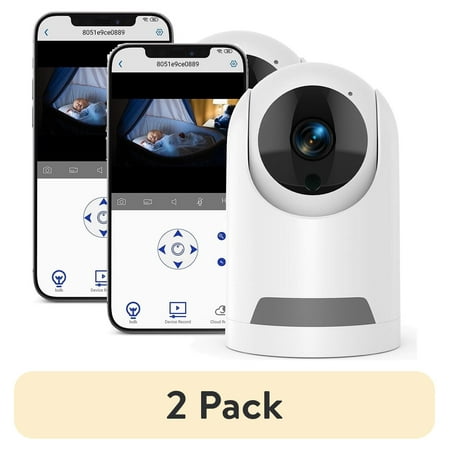
The set-up manual was little to no help. The QR scan is done by the icam app, not a regular phone app. I lost a good 10 minutes fighting with that.
Then I accidentally discovered that clicking on an image from an alert gives access to the panning buttons. And *then* I noticed the microphone icon at the bottom, which allows me to use the camera's speaker (screenshot 2, I think).
I ran a few searches on the internet, assuming I'd find the above information somewhere and I didn't, so that's why I'm sharing it here.
The after-dark image is surprisingly good (screenshot 1, I believe).