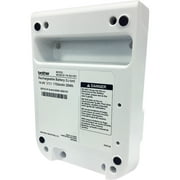
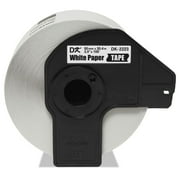
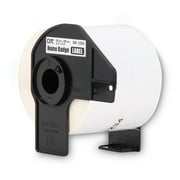
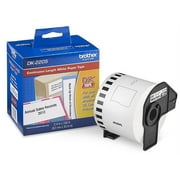
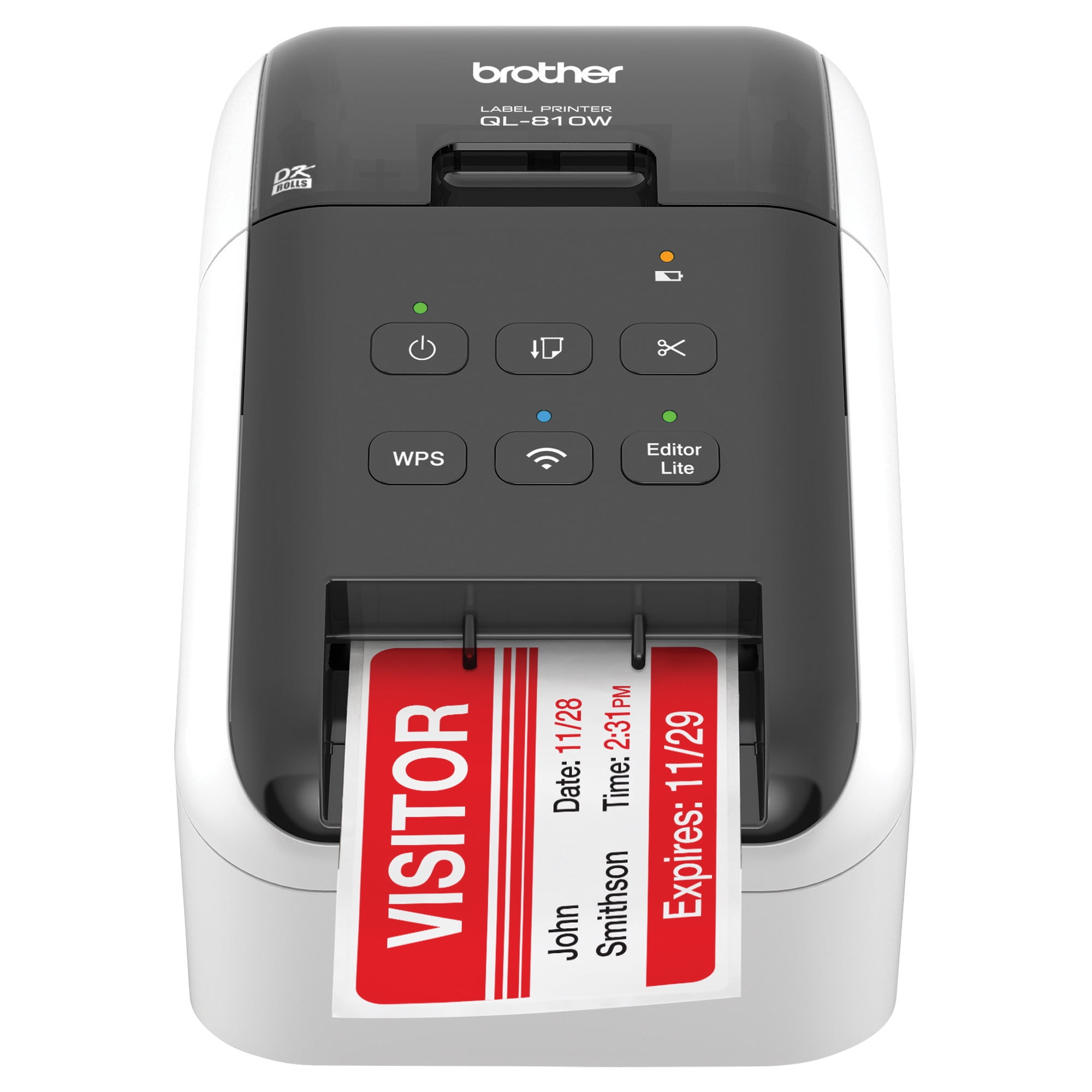
Brother QL-810W 2.4" Ultra-fast Direct Thermal Label Printer, USB, Wireless (b/g/n), WirelessDirect, Auto Cutter - White/Black
- Brand:
- Brother
- Model Number:
- QL810W
- UPC:
- 012502646334
- EAN:
- 0012502646334
- Walmart SKU:
- 55541553
| Price Type | Price | Date |
|---|---|---|
|
Highest Price
|
$174.12 | |
|
Lowest Price
|
$169.98 | |
|
Most Recent Price
|
$169.99 |
Price history data is not available for this product at the moment.
Current Trend: No Walmart.com pricing data available for analysis.
Customer Insights: Rated 3.8/5 from 117 reviews.
Early days yet (<1 week of use) however the printer has operated flawlessly so far. The setup was straight forward using the USB cable and a laptop - following the instructions it was up and running over wireless in no time. I'm using it with an iPad 2 with a Visitor app that output the badge to the printer within seconds of a Visitor signing in. The adhesive of the label is great - not too sticky to leave a residue, but sticky enough to adhere to clothes / high vis vest etc. Very happy!
Easy to set up on wifi. Can print from the supplied software which is very good, but also appears as a printer in any Windows application, so very flexible solution (I have used it with CorelDraw and with my own database app perfectly). Wish I had bought this ages ago!
A Very good quality label printer which fits our family needs. It was a bit of a faff to setup original particularly connecting to WiFi, but seems to work well and we are happy with it.
I now have had my label printer for 3 weeks it was difficult to install on my Mac at first I followed your instructions but it kept stalling at one point and not letting me move forward to complete the install I went onto YouTube for some help after viewing a number of tutorials from Brother it still would not let me complete the install I then downloaded the app from apple for the printer and this helped to finish the install
[This review was collected as part of a promotion.] After numerous tries at setting this up with our Wi-Fi I failed miserably and had to get my partner to help. This could be due to our signal extenders as my partner has an app for them on his phone and had it connected within minutes. Since getting it connected to the Wi-Fi and my phone I have enjoyed having fun with this machine and it has been a much needed addition to my craft room and has extended my craft hobbies too. Working in an unorganised office, I decided to take this into work and label and organise all our shared areas and this has help us keep the office tidier and now waste less time looking for something as everyone knows where things should be kept after use. While I had it at work I used it to update all our legal signs with legible information instead of someone's smudged handwriting. In short I have used this printer to cover various tasks and also used it it to make card toppers in my craft room. It's versatility is so useful in so many ways and areas of the home and office.
[This review was collected as part of a promotion.] From my initial review I can say what a great product. I like it a lot. When I first used the Brother printer I couldn't work out what paper roll to use for the type of label I wanted. It was just a case of understanding that there were a lot of sub headings to go into and working out the size that I needed. Now that I understand that you can change the font size or adjust the length for example. It's becoming easier to use. The only thing I hope if possible to update the software and give more colour options than it currently has. Thanks
[This review was collected as part of a promotion.] This is a great product. Initially the set up is quite fiddly but once that was sorted out it worked well. The wifi function means that I can use it immediately, from my iphone and my laptop. This is a huge feature which is extremely useful. The red and black printing works really well once you access the font colour, which I finally found in the software. As you are able to use battery's with this product it means it can be used on the go and makes the product even more appealing.
[This review was collected as part of a promotion.] I was surprised at the size of the printer when I first unpackaged it from the box however it's lightweight and easy to take on the go, especially if your a small business owner. I found the instructions for installing onto a computer quite difficult to follow however it's easy to use on a smartphone with the mobile app to create your labels. Quick and easy to set up the label reels and I like that you can use different sized labels in the one printer making it multifunctional. I also like the fact that you can either use it plugged into the mains or can install a battery so you can use it wireless making it perfect for taking to events where electrical sockets are limited access. This is the perfect printer for any small business owner or hobbyist as you can add your business logo or QR code to the label.
[This review was collected as part of a promotion.] So, to start with after opening i love the size of the printer, nice size and fits on a desk easily, and even fits under my monitor well. I started off trying to get the printer working with my mobile, it wasn't a straightforward process, the app just couldn't find the printer, it took numerous attempts and took about an hour to setup. I'd be worried for someone who isn't a techie person setting this up. Unless they are going for the USB connection to a PC. The App itself isn't too bad, but the software still is typical of brother and a bit outdated and old-fashioned. I had some labels in the printer, but the app didn't hide the labels I couldn't print so i was left trying to find sizes i could print on the loaded labels. Once setup though it is fairly easy to use, the quality of the labels it prints is really good, and I love the fact it can print out red too, really useful as I'm printing out visitor passes and is great to make the visitor logo stand out in red. Quality wise it's much better than using a standard Printer with an a4 sheet of labels. No waste, no setting up and calibrating, just drop in your labels and off you go. Overall, once its setup it's a great little printer and I can't wait to see how it holds up over the next few months. My only other thing I've not looked at yet is the price of labels, so that could be a make or break for this printer but overall a nice device once all setup.
I have been a loyal user of Brother label printers for years, so I bought the QL810W expecting the same reliability and ease of use that made my previous machine so fabulous. Unfortunately, this printer has been a complete nightmare. While the initial Wi-Fi setup was straightforward, using the machine wirelessly afterwards proved incredibly difficult and inconsistent. This, combined with an unnecessarily complex address book setup, makes the entire process feel like a chore rather than a helpful tool. Additionally, the rolls supplied with the machine were poor options to begin with. The physical operation of the printer is just as disappointing, and the setup process adds more stress to what should be a simple task. Given how much easier and more reliable the older Brother models were, this machine feels like a significant step backwards. It lacks the seamless experience I expected from the brand and has caused me nothing but frustration. I would absolutely not buy this machine again and cannot recommend it to others.
Detailed price history for the past 90 days
No Walmart.com pricing data available for analysis.
Third-Party Sellers prices have ranged from $169.98 (Jun 13) to $170.00 (Aug 3) over the past 90 days. Current price is close to the 90-day average of $169.99.
| Date | Price | Change | % Change |
|---|---|---|---|
| $169.99 | $+0.00 | +0.0% | |
| $169.99 | $+0.00 | +0.0% | |
| $169.99 | $+0.00 | +0.0% | |
| $169.99 | $+0.00 | +0.0% | |
| $169.99 | $-0.01 | +0.0% | |
| $170.00 | $+0.01 | +0.0% | |
| $169.99 | $+0.00 | +0.0% | |
| $169.99 | $-0.01 | +0.0% | |
| $170.00 | $+0.02 | +0.0% | |
| $169.98 | $-0.02 | +0.0% | |
| $170.00 | — | — |