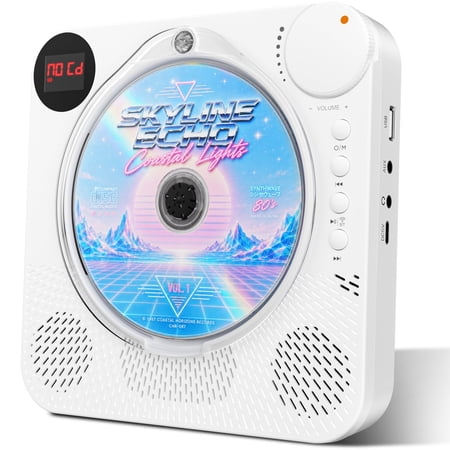
Loading CDs
You have to carefully twist the cover to the side to load a CD—there’s no pop-up mechanism like older models. The CD player outputs stereo sound in headphones. I tested it with:
A store-bought CD (played fine).
An audio CD-R (worked well).
A data CD with MP3, AAC, WAV, WMA, and MP2 files (all played as stereo).
Minor issues:
There’s no EQ or tone control, so the bass is lacking in headphones (tested with 4 different sets).
The CD stops playing as soon as you open the door.
Sound Quality
Built-in speakers: Decent for casual listening, but don’t expect much bass.
Aux input: Worked perfectly when tested with my laptop’s headphone jack.
Bluetooth
Bluetooth worked both ways:
Smooth audio streaming from my Linux PC to the player.
Could send CD audio to a Bluetooth speaker.
Note: It had trouble connecting to some devices, so compatibility may vary.
Radio
Requires a scan to find stations (no manual tuning).
You’ll need an aux cable to use as an antenna—otherwise, you’ll only pick up a handful of stations (I got 8, but that might be due to the cable I used).
Mono output in headphones.
USB A Media Player
Mono output in headphones.
Played MP3 and WAV files smoothly.
Tested FLAC, OGG, AAC, and APE, but they didn’t work (likely unsupported formats).
Extras
Remote: Don’t lose it! You’ll need it for radio and CD functions. (Note: Requires AAA batteries.)
Kickstand: Built-in for easy placement.
Batteries: Built-in—no option to add AAs.
White Noise Feature
(Best guess for the settings)
Fire/flames
Rain/water
White noise/traffic
Birds chirping
Chimes
Ocean waves
A babbling brook
Crickets